 Isle
Isle
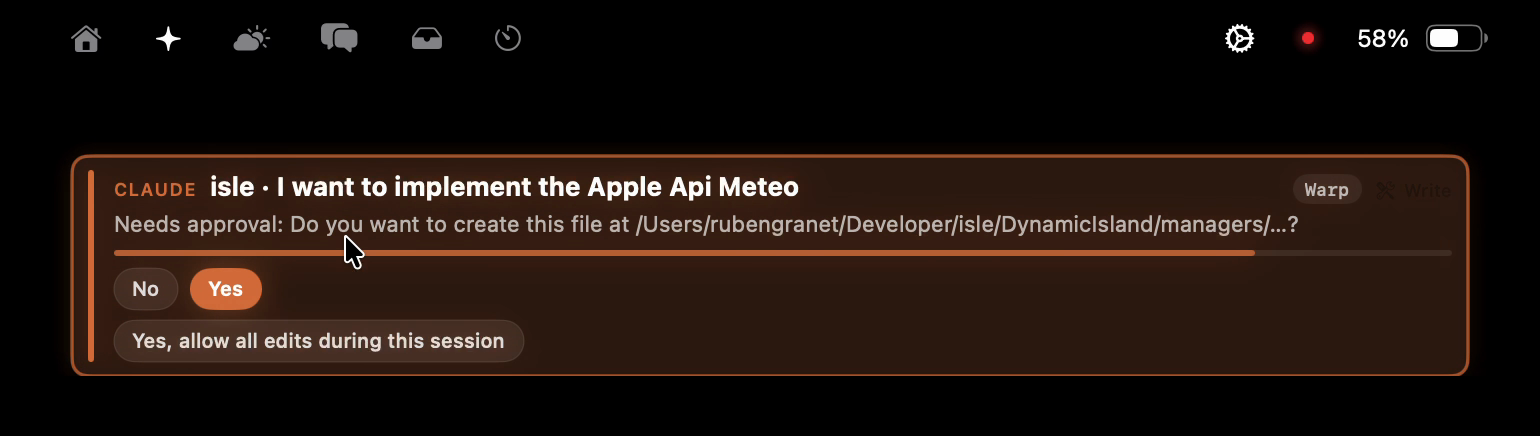
When an agent needs you, Isle opens.
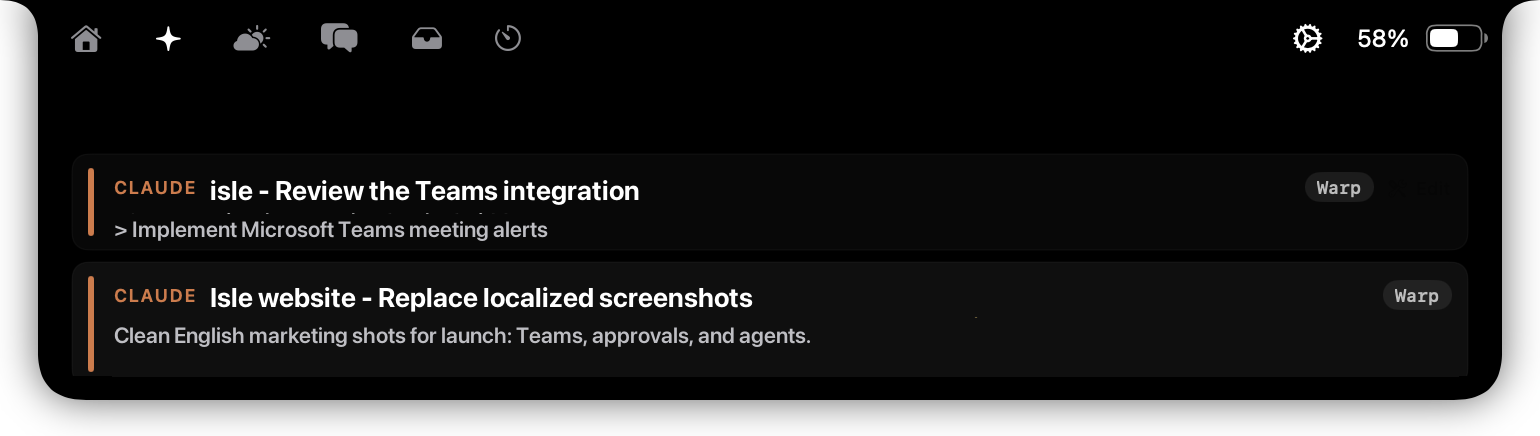
Approve a command, check what changed, then keep working. No terminal babysitting.
Isle for macOS
Live activities and AI coding agents, right in the notch.
Isle turns the black camera cutout into a living place for what needs attention now: music, messages, weather, system status and coding agents.
Approve a command, check what changed, then keep working. No terminal babysitting.
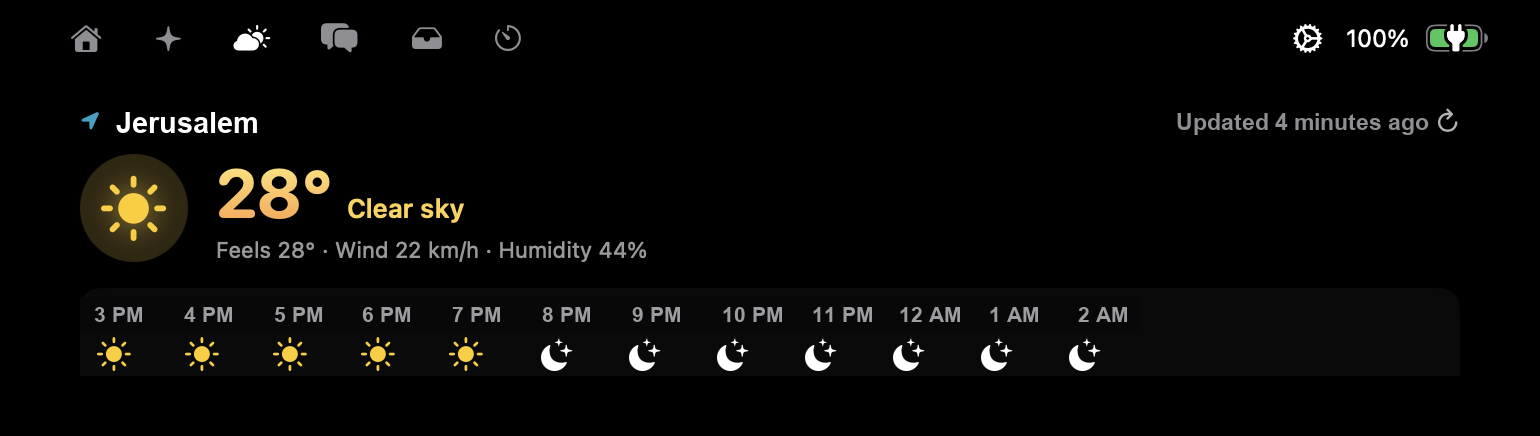
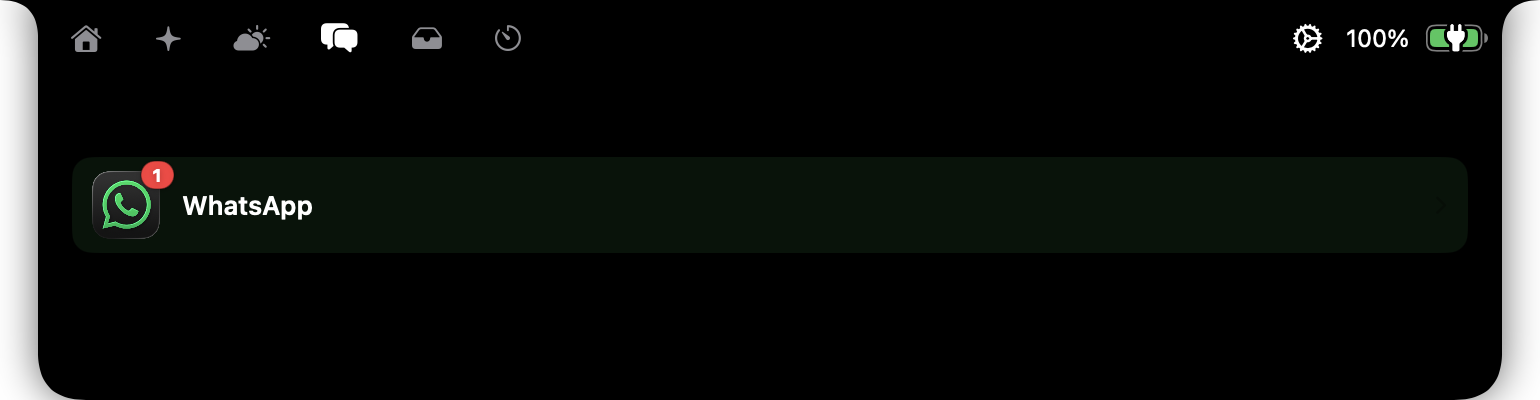
Media, Podcasts, weather, messages, battery and system HUDs share one calm surface.
Runs on your Mac. No account, no telemetry, no cloud relay for your code.
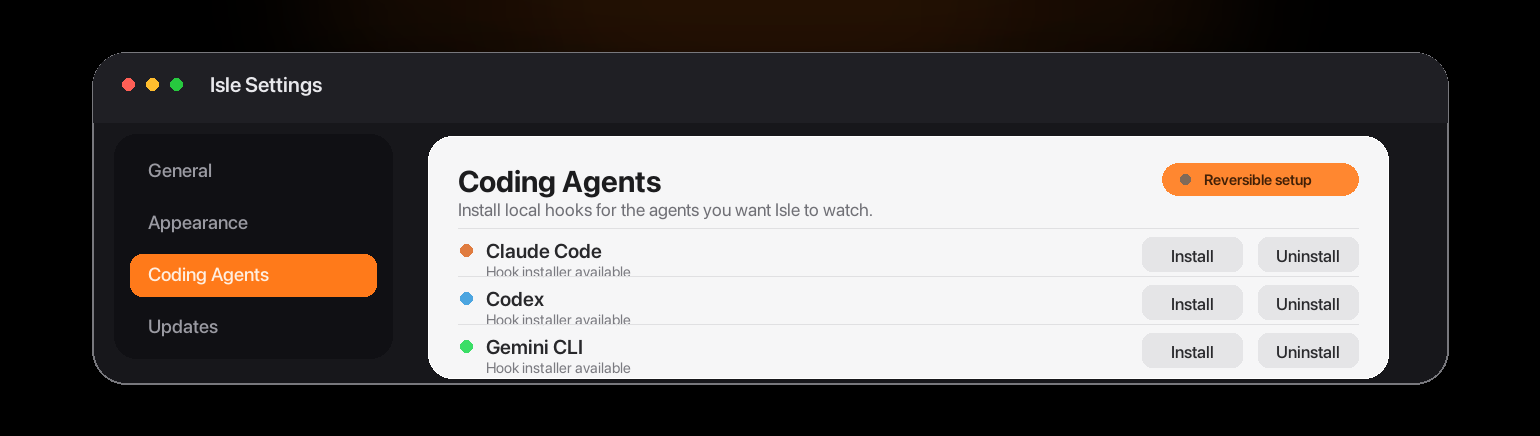
Claude Code, Codex, Cursor, Gemini CLI, OpenCode, Kimi and compatible forks.
Install Isle, choose the agents to watch, and launch your normal terminal sessions. The notch lights up only when something matters.
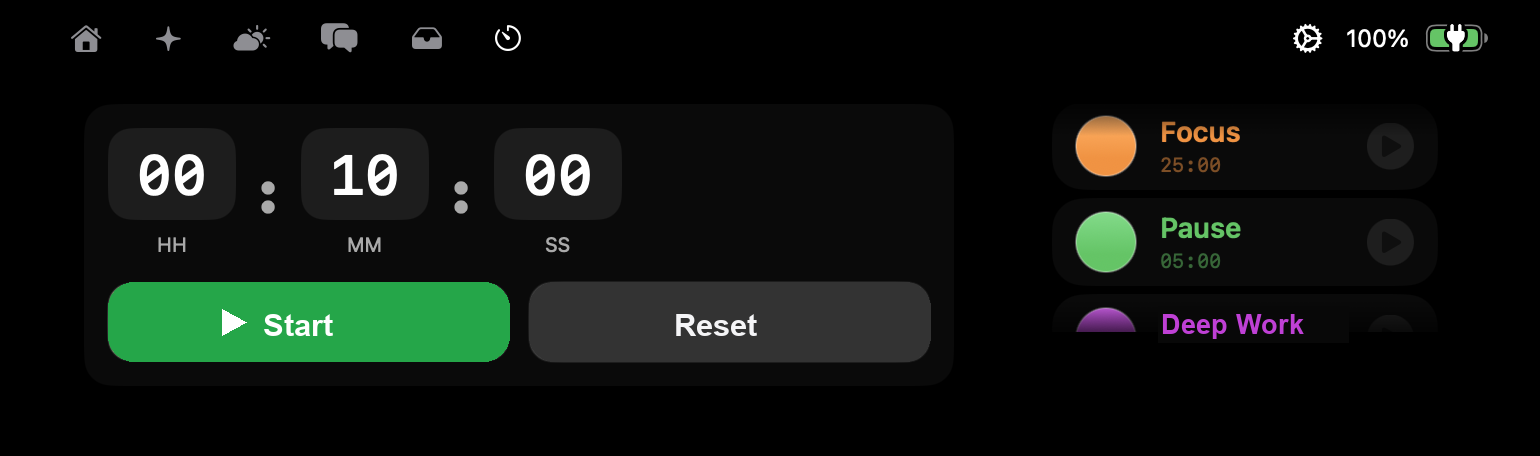
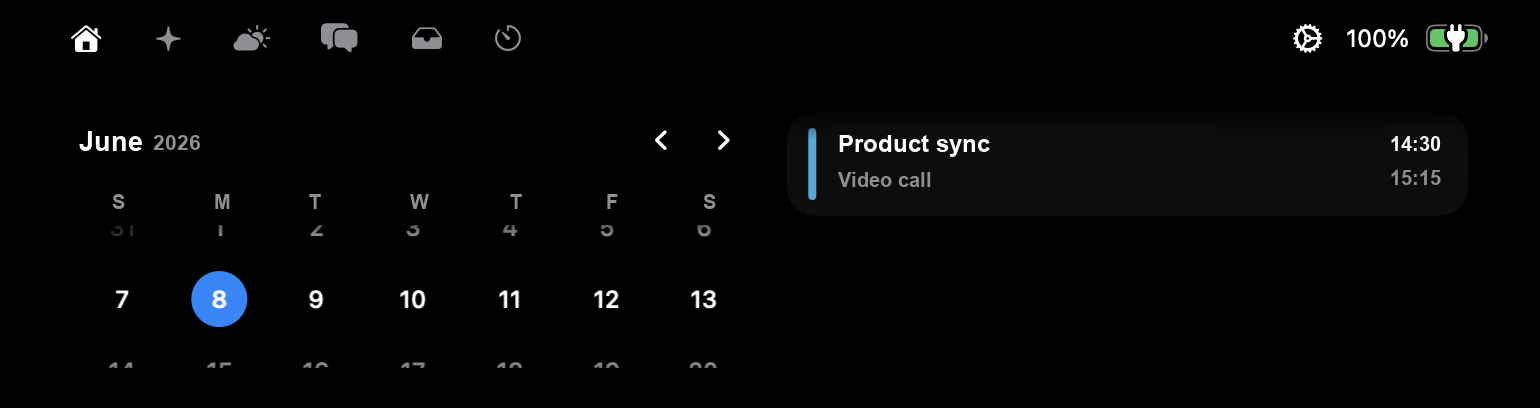
Weather, messages, focus, calendar and coding agents all live in the same familiar place: around the MacBook notch.
Great for media and widgets. They do not understand your coding agents.
Dynamic Island features plus live agent status, approvals and local-first privacy.
Useful for Claude or Codex. They are not a full MacBook notch companion.
The source is GPL v3. Supporting Isle pays for the signed, notarized build, updates and development.
No. Isle talks to your agents locally on your Mac. There are no accounts and no telemetry.
The notch gives the best experience. Isle can also render as a floating surface on other Macs.